Portato
SSH port-forwarding manager with a TUI.
Toggle, restart and watch every SSH tunnel from one screen. A background daemon keeps them up through sleep, dropped links and logout.


Prefer VS Code? There's an extension.
SSH port-forwarding manager with a TUI.
Toggle, restart and watch every SSH tunnel from one screen. A background daemon keeps them up through sleep, dropped links and logout.
Prefer VS Code? There's an extension.

Built-in backoff brings every tunnel back after sleep or a dropped link. No autossh, no per-tunnel processes.
-L, -R and -D tunnels. A dynamic forward runs a SOCKS5 proxy so you can reach any internal address through the bastion without a forward per port.
-J)Reach targets through bastions: jump: takes a single user@host[:port] hop or a comma-separated chain (user@edge,user@bastion), like OpenSSH -J.
~/.ssh/configForwards already live in your ssh config? portato import copies every LocalForward / RemoteForward / DynamicForward into Portato as disabled tunnels — one command, your ssh config is read, never written.
Group tunnels with tags: [prod, db] and drive them in bulk: enable/disable/restart --tag prod, the #tag filter in the TUI, or enable/disable right over a filtered view.
Start standalone, then hand off to the daemon without dropping a connection — already-bound local listeners are passed over SCM_RIGHTS, so the port never goes down (macOS/Linux; on Windows the port is briefly rebound).
macOS, Linux and Windows from the same release. Named-pipe IPC, ssh-agent over the OpenSSH pipe, and autostart as a real Windows service (SCM) that starts at boot — no login needed.
Native SSH via golang.org/x/crypto/ssh — no system ssh dependency. IPC bearer-token auth, OS-keyring identity storage, and govulncheck scanning in CI.
Auto-detected from NO_COLOR / COLORFGBG; force one with PORTATO_THEME. The light theme paints a real light surface across the whole TUI.
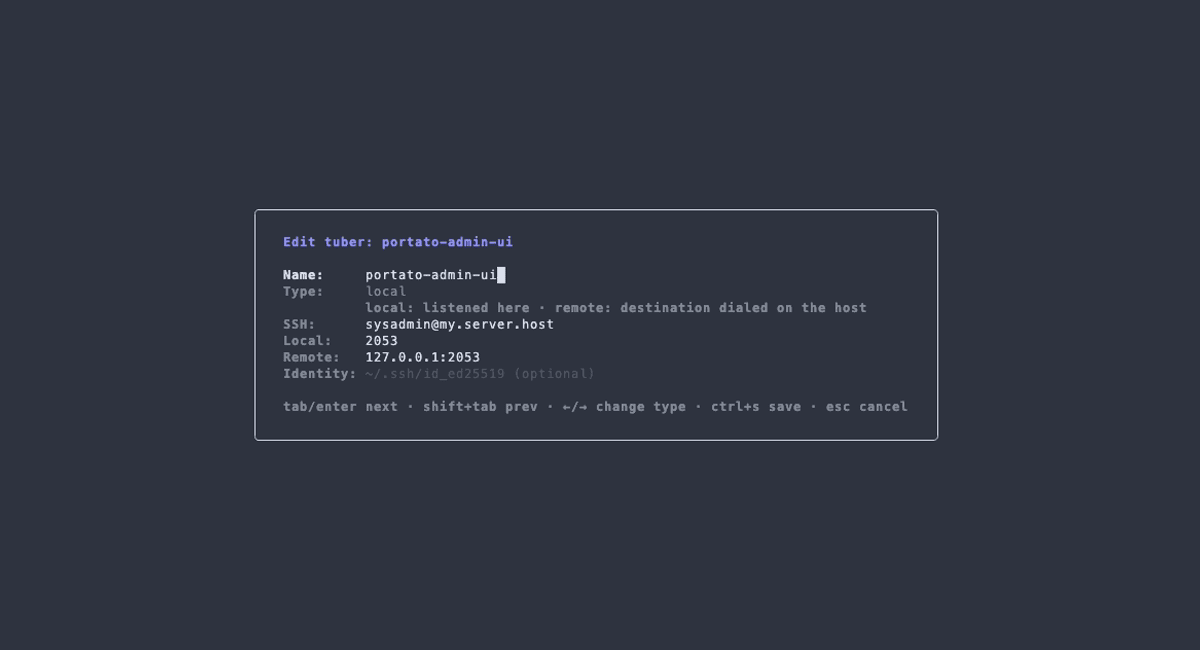
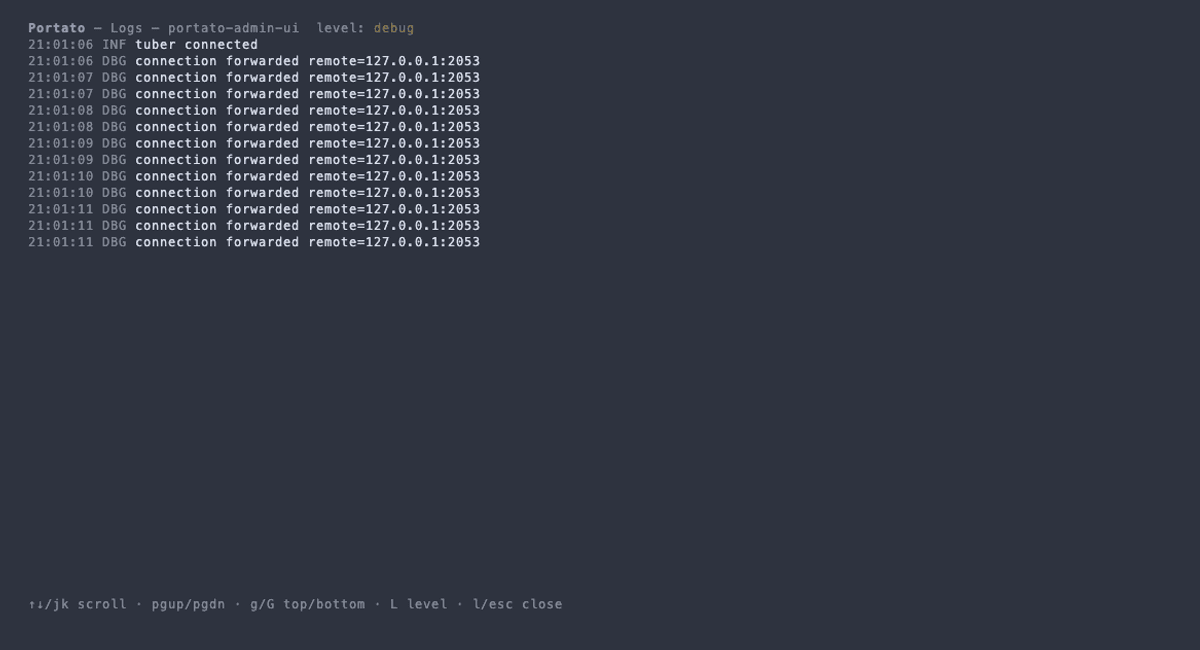
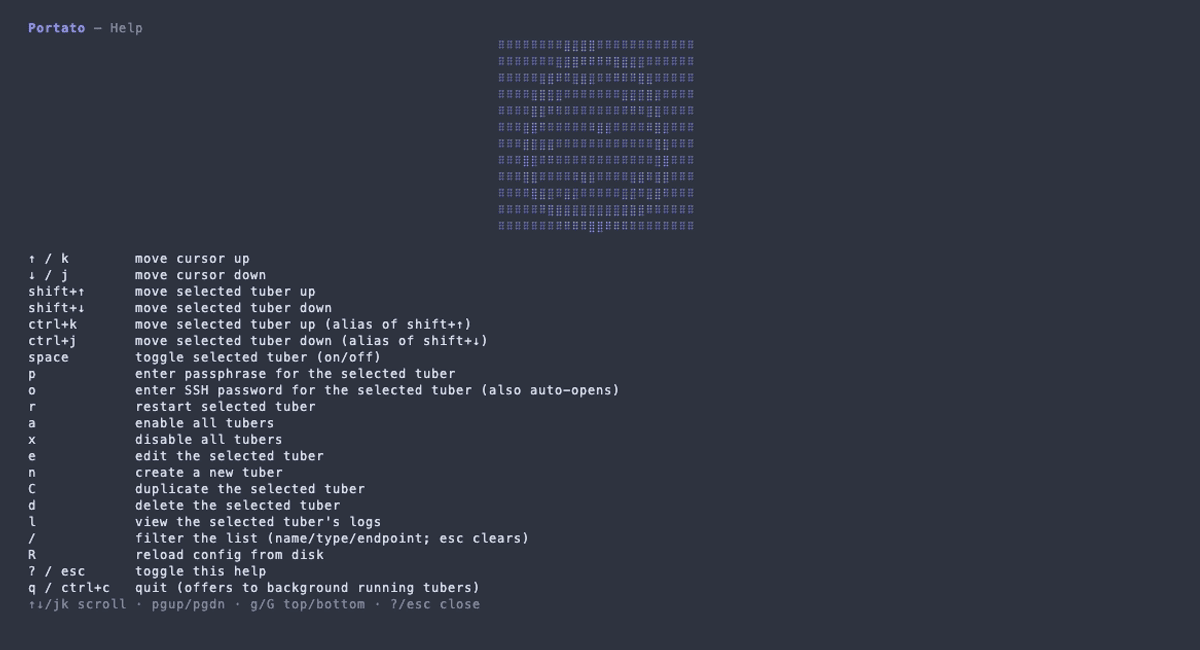
Plain ssh -L is fine for one tunnel in one terminal. Portato is for everything past that.
| What you want | ssh -L / autossh | Portato |
|---|---|---|
| See what's running | nothing — ps and scrollback | one TUI screen, live status for every tunnel |
| Reconnect after sleep / drop | autossh, one process per tunnel | built-in backoff + reconnect, all tunnels |
| Many tunnels | one command and process each | named tunnels from one config.yaml |
Forwards already in ~/.ssh/config | re-type them by hand | portato import — one command, disabled by default |
| Survive logout | hand-rolled systemd / launchd unit | portato install — launchd / systemd / Windows service |
| Toggle without re-running | — | space in the TUI |
| Don't drop the port on hand-off | — | FD-passing (macOS/Linux) — standalone→daemon, port stays up |
Requirements. An SSH account on a reachable host, plus a key (or password). local (-L) and dynamic (-D) tunnels work with default sshd settings; remote (-R) to a non-loopback address also needs GatewayPorts yes in the server's sshd_config. If a tunnel won't connect, run portato doctor.
# macOS (Homebrew cask; on Linux use deb/rpm/tarball)
brew install --cask portuber/tap/portato# Windows
# If Scoop reports git is required: scoop install git
scoop bucket add portuber https://github.com/portuber/scoop-bucket
scoop install portuber/portato# Linux (deb / rpm) — from the latest GitHub Release
sudo dpkg -i portato_<version>_linux_amd64.deb
# or: sudo rpm -i portato_<version>_linux_amd64.rpm
# arm64 machines: the same names with arm64Packages for amd64 and arm64: latest release.
# Alpine (apk) — unsigned, so allow-untrusted is required
sudo apk add --allow-untrusted portato_<version>_linux_amd64.apk
# arm64 machines: the same name with arm64
Packages for amd64 and arm64: latest release.
# macOS / Linux — download the archive from the latest Release, then:
tar -xzf portato_<version>_macOS_arm64.tar.gz
install -m 0755 portato ~/.local/bin/portato
# Windows: expand the .zip and put portato.exe on PATH
portato version
# archive names: portato_<version>_{macOS|Windows|linux}_{x86_64|arm64} (.tar.gz / .zip)
Archives for every OS and both architectures: latest release.
# needs Go 1.26+
go install github.com/portuber/portato/cmd/portato@latestConfig location. macOS: ~/Library/Application Support/portato/config.yaml; Linux: ~/.config/portato/config.yaml (or $XDG_CONFIG_HOME/portato/config.yaml); Windows: %AppData%\portato\config.yaml.
tubers:
  - name: redis
    type: local          # -L: listen here, forward to the host
    local: 6379
    remote: 127.0.0.1:6379
    ssh: user@bastion.example.com
enabled: true # tunnels are disabled by defaultportato # TUI (smart launcher: attaches to a running daemon or starts standalone)
portato daemon # background daemon + IPC server
portato list # status on stdoutManage tunnels from a tree view: create and edit tunnels in a form, toggle or restart them, drag-and-drop to reorder, group and filter by tags, and watch live logs with a level filter. Plus a status-bar quick pick with an attention indicator, SSH config import, doctor, and a Get Started walkthrough.
Requirements. VS Code 1.90+, macOS or Linux, and the portato daemon 1.11.0+ (the extension checks the version and warns).